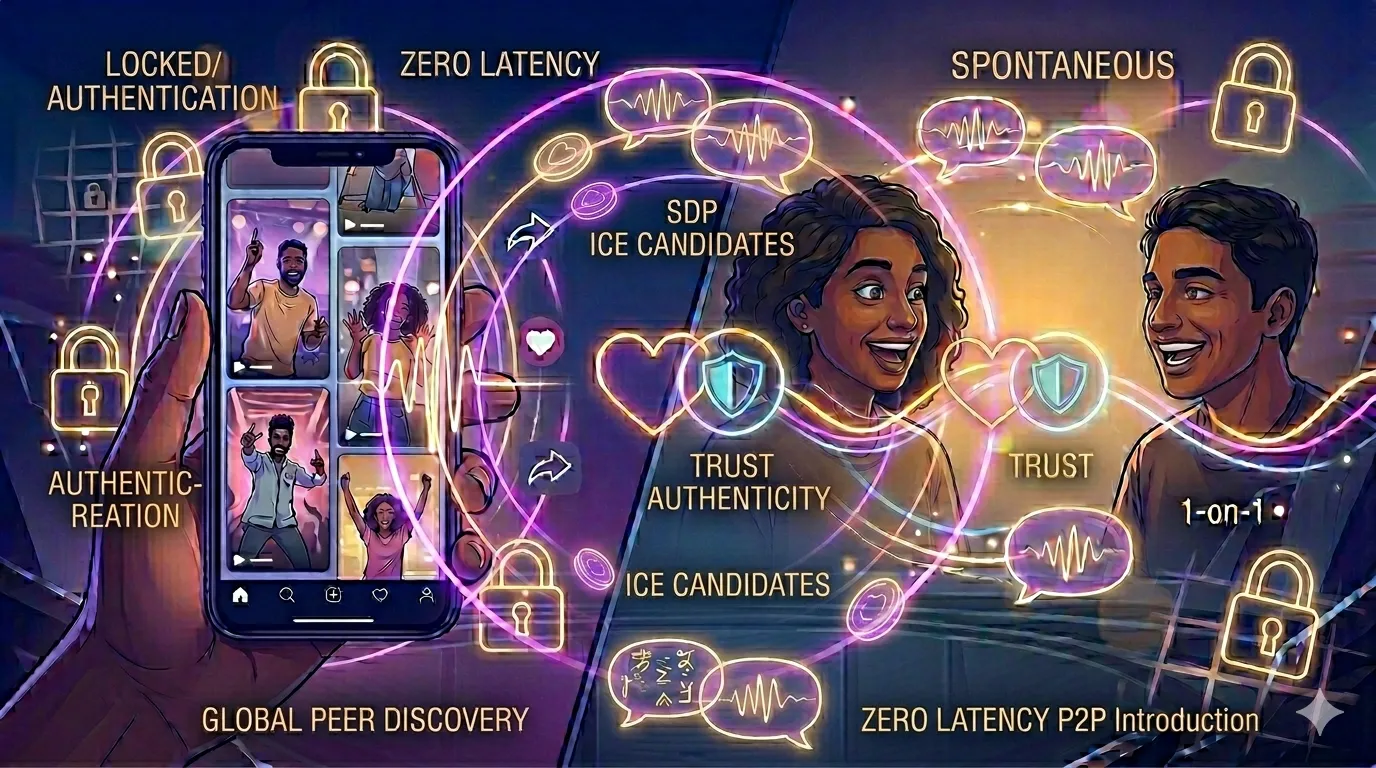
Understanding NAT Traversal: Why You Sometimes Can't Connect Behind a Firewall
Have you ever experienced a situation where you are in a 1-on-1 random video chat room, but the connection keeps timing out? Or perhaps you see the partner's status as "Connecting..." but the video never appears? These frustrations are often not the fault of the platform, but rather the result of a network barrier called **NAT** (Network Address Translation).
In this educational technical guide, we will dive into the mechanics of NAT traversal. You will learn how WebRTC technology attempts to bypass firewalls and why some corporate or school networks are more difficult to connect from than home networks. This knowledge is essential for understanding the infrastructure behind the no-login revolution.
1. What is NAT and Why Does It Block Video?
NAT is a technique used by your router to allow multiple devices (your phone, laptop, smart fridge) to share a single public IP address. To the outside world, your router is the only visible device. Behind the router, your devices have "private" IP addresses that are invisible to the public internet.
[Image of NAT network diagram]For a peer-to-peer video call to work, User A needs to send data directly to User B's public IP and a specific "port" on their device. However, User B's firewall usually blocks unsolicited incoming data for security. It's like someone trying to mail you a letter at a massive apartment complex without knowing your room number—the front desk (the router) just throws it away.
2. The Solution: STUN and TURN Servers
To overcome this, WebRTC uses a framework called **ICE** (Interactive Connectivity Establishment). ICE uses two types of servers to "punch a hole" through the NAT barrier:
- STUN (Session Traversal Utilities for NAT): Your device asks the STUN server, "What is my public IP address and port?" Once it knows this, it shares that info with the Signaling Server to tell the other person how to find it. This works for 85% of home connections.
- TURN (Traversal Using Relays around NAT): If the firewall is extremely strict (common in offices), a direct P2P connection is impossible. In this case, the data is relayed through a TURN server. While this is no longer "purely" P2P, the data is still encrypted and remains private under our zero-data philosophy.
3. Comparative View: STUN vs. TURN
| Feature | STUN (P2P) | TURN (Relay) |
|---|---|---|
| Connection Path | Direct between users | Relayed through a server |
| Latency | Very Low (Best quality) | Higher (Potential lag) |
| Success Rate | High on home networks | 100% (Last resort) |
4. Why Corporate Networks Fail
Corporate and educational networks often use "Symmetric NAT," which is the most difficult to traverse. These networks change the public port for every destination, making it impossible for a STUN server to predict where the video data should go. If you are trying to use a Tamil chat or India chat room at work and it won't connect, this is likely why. The network is essentially "too secure" for direct P2P video.
5. Troubleshooting Your Connection
If you're stuck on "Connecting," try these steps:
- Switch from a Corporate/Public Wi-Fi to a Personal Hotspot.
- Ensure your browser has the correct permission settings.
- Disable any strict VPNs or hardware firewalls that might be blocking UDP traffic (the protocol used for real-time video).
6. Privacy and the Relay Paradox
Many users worry that a TURN server "sees" their video. In 2026, all TURN relay traffic is end-to-end encrypted. The server only sees the "envelope" (where the data is going), never the "letter" (your actual video). This ensures that even when we have to bypass strict firewalls, the Human Premium of your private moment remains protected.
Frequently Asked Questions
This is usually a NAT traversal failure. Your firewall is blocking the direct connection attempt, and the system is struggling to find a relay path.
Sometimes. A VPN can provide a more "traversable" network path, but it can also add latency and lag to your video chat.
No. While data passes through a TURN server, it remains encrypted. No one at the server level can watch your video feed.